Category: Progress

  • A short week: HUD and Networking

    This week has been a short week of development due to some travel commitments but it’s a week with a lot to show!

    Let’s start with a demo;

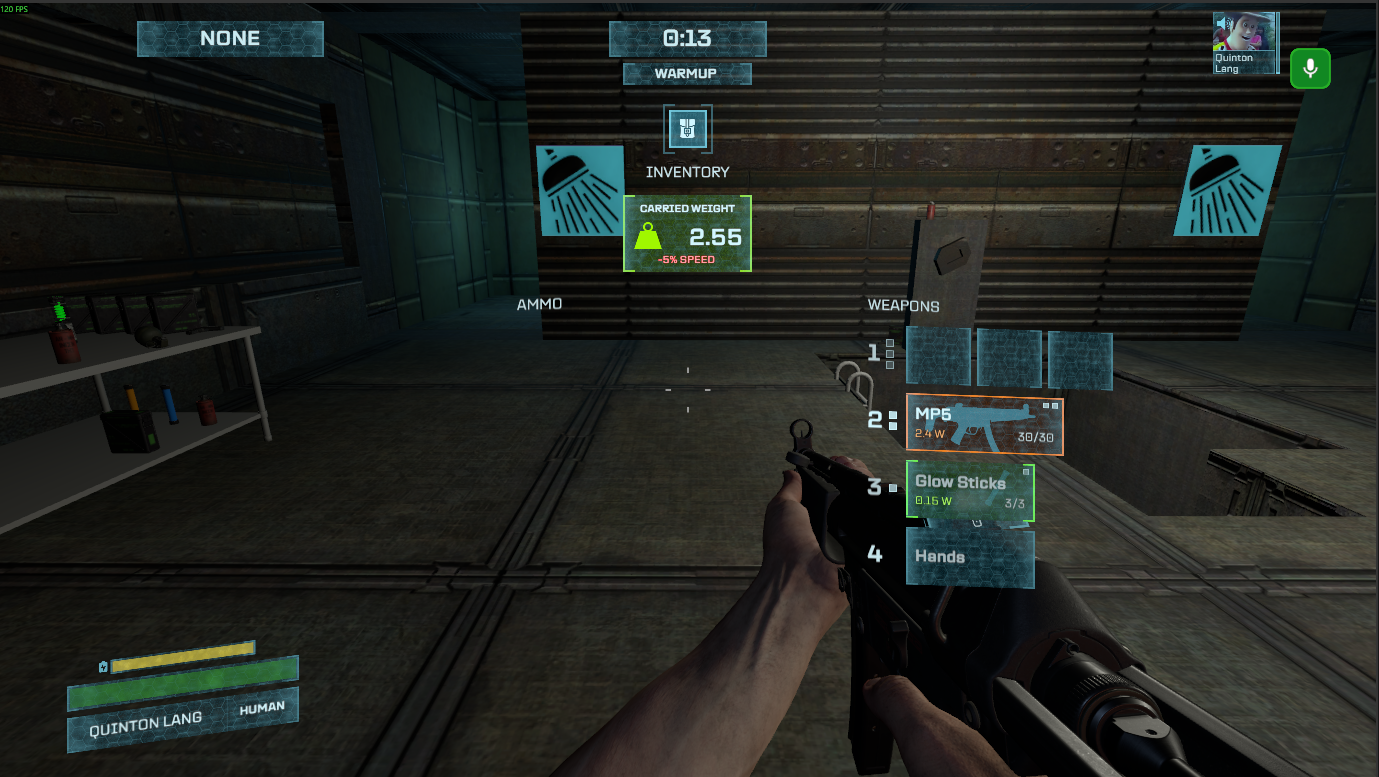
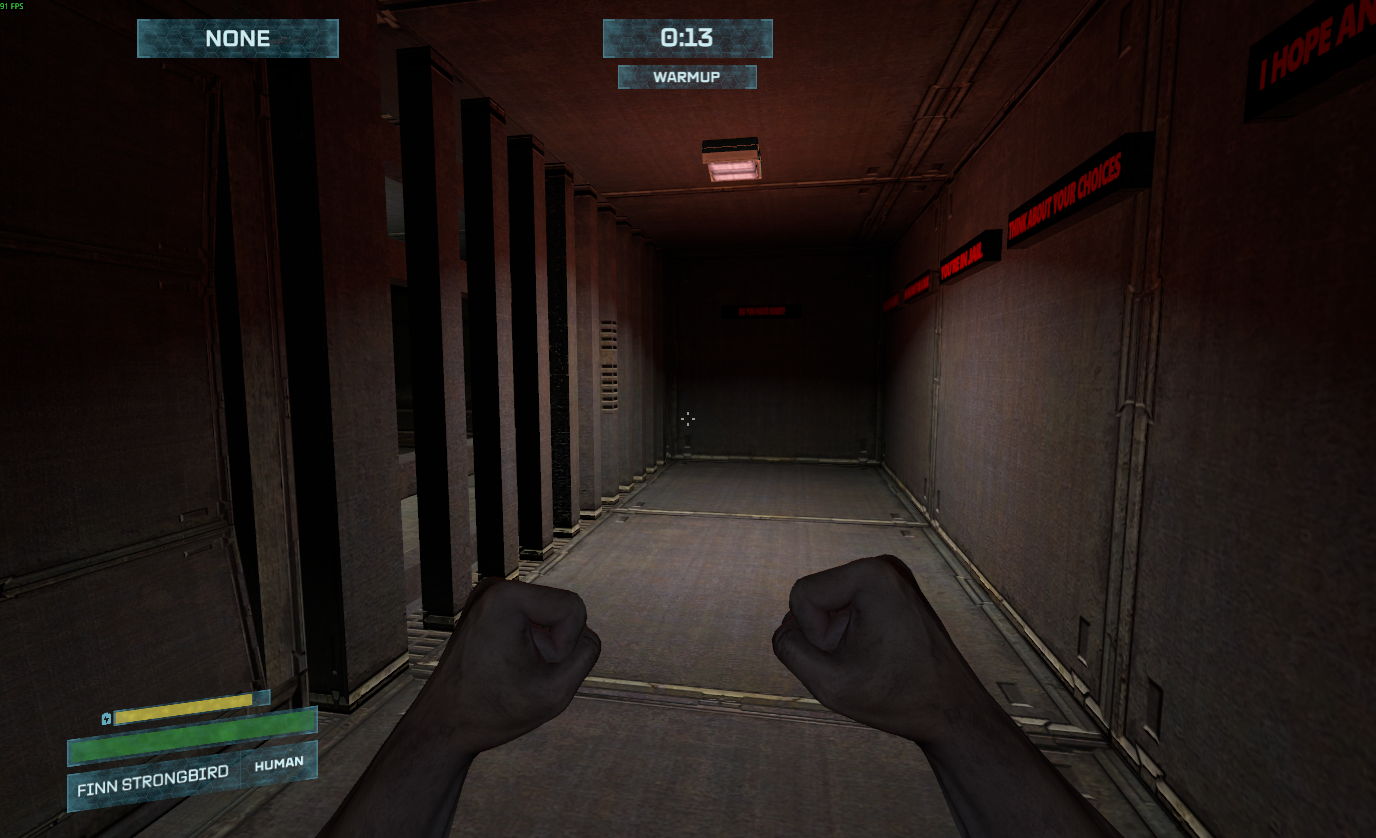
    In this video we can see the HUD coming together, it’s very reminiscent of the original Morbus HUD.

    Ammo Counter

    As mentioned in the last blog post; we’ve got a “holographic panel” connected to the players weapon that shows ammo. This isn’t actually a HUD element in the traditional sense, it’s actually a “World Panel” which is UI rendered onto a plane in the world.

    I made the system to each weapon can define it’s own attachment point, and dimensions of this panel.

    We can see in this video that they’re all in a slightly different place. I’m not sure which looks best yet, so we’ll probably move them around as time goes on.

    Status Section

    This changed a bit from the original Morbus.

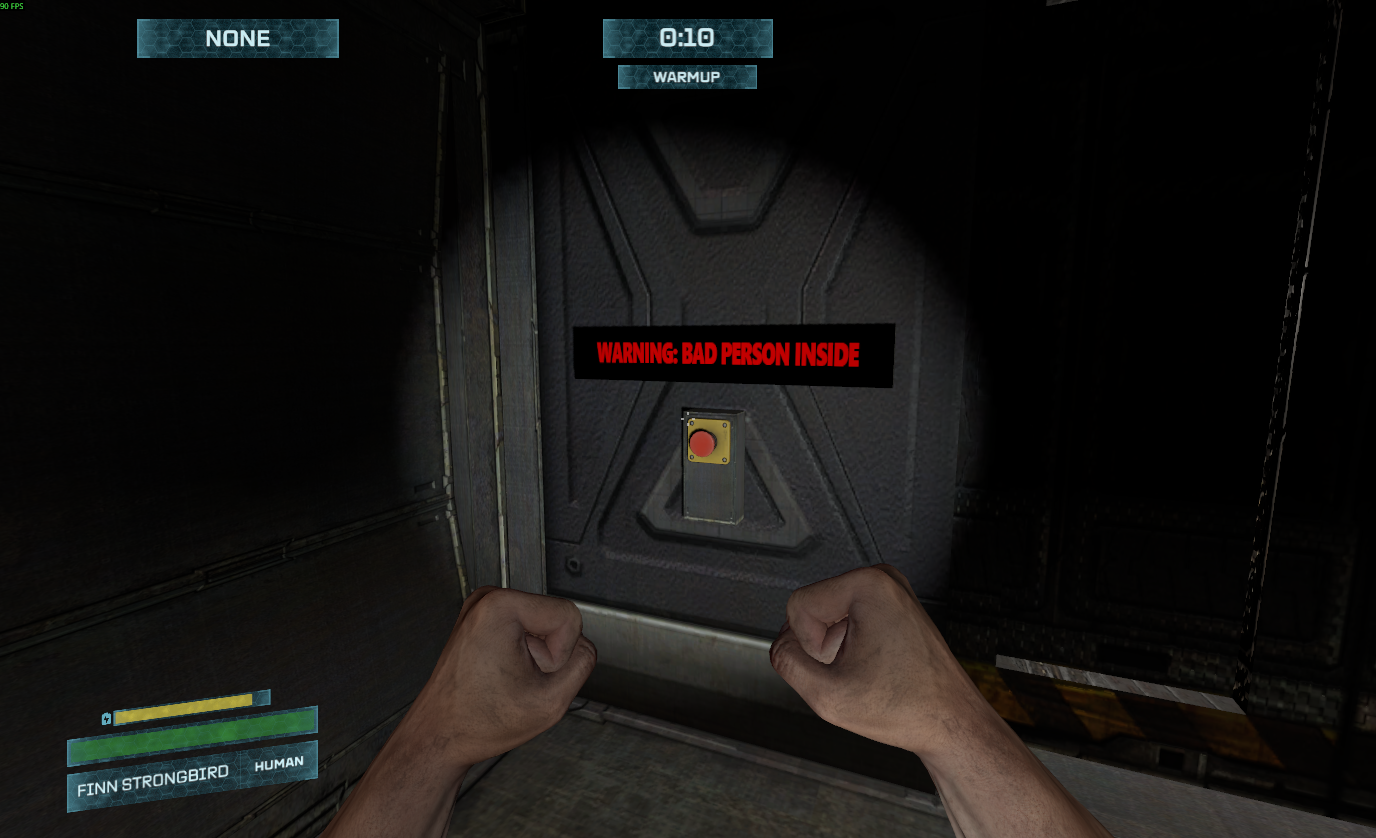
    Instead the 3 bars being; Battery, Health (and Name), Role, we’ve moved the name to the same role bar. I felt like the bottom bar was being under-utilized and there was no need for the role to be so big. I think this looks slicker.

    Without putting the HUD on an actual WorldPanel, which I didn’t want to do (even though i may need to) I tried to emulate the perspective/skew effect that the original Morbus had. It’s not perfect, but it’s okay enough for now.

    The HP bar is a bit smaller now too, but I made it so it would show the amount of health you’ve lost because you haven’t completed your need.

    This health can’t be healed by medkits, and is essentially a damage to your max health. I think I like this over just plain damage and having the additional warning in your HP bar telling you where this damage is coming from could be helpful to newer players.

    Punishing bad Broods

    I also had an epiphany on how to leverage this “need damage” to punish Brood Aliens who kill humans with guns. Right now Brood Aliens who shoot at humans with guns have no damage reduction on their gunshots. This makes removes the ability for a cheeky human to say “shoot me to prove you’re an alien” however, if a Brood Alien kills a human with a gun, they suffer Need damage.

    This need damage can only be healed by successfully killing humans in alien form. Thus the Brood Alien suffers a reduction in max HP as a penalty for killing a human with guns, though they can redeem themselves by infecting other humans.

    Thematically this makes sense to me. A Brood Alien desires to infect humans, if it kills them in a way they cannot spread the infection (guns,) this goes against their desires, and thus causes damage. Whether this damage is mental, psychological, or whatever is up to debate.

    The Top

    The rest is pretty much the same, we’ve got the need area, the timer, round state, and then notifications. All themed to match.

    We might expand upon these later, but they work so why fix what aint broke?

    Announcements

    We can send announcements to players about important things. This is used for things like victory messages or to tell Brood Aliens they’ve suffered need damage for killing a human with a gun.

    Alien Theme

    Aliens get a red themed HUD because they’re dangerous.

    Nametag sounds

    You might have to watch the demo video again to catch this one.

    I wanted to add subtle sound cues and effects with the name tags for items, players, and bodies. Just to add a bit more life to things.

    I’m not sure how I feel about them, they could still be a bit too loud and obnoxious so we’ll have to see how player feedback goes.

    Networking Reworks

    I’ve moved even more systems over to be host authoritative. At this point I don’t any core system is client managed. Health, Needs, and Alien Transformation were the last bits and now that they’ve been handled I think we’re doing good.

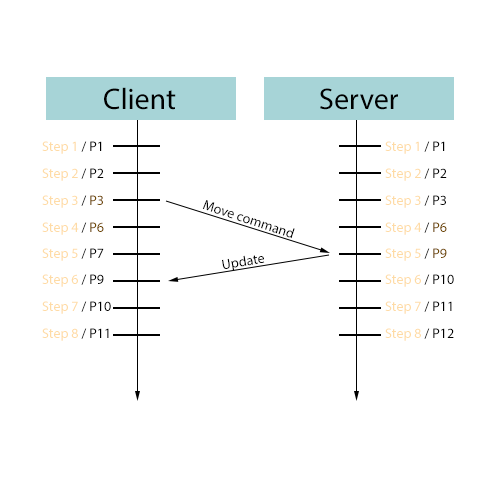
    I’m still very concerned about smoothness, I can test in the editor with a local instance faking 100ms lag, and it’s ~okay~ but I still wish it was better. S&Box just doesn’t give us great built in tools to handle these things for us.

    Bonus Content:

    This is a silly one but M0ji_l in Discord brought up the Morbus HUD evolution so I figured I’d highlight it here:

    June 2011

    We can call this the “wow I made my own HUD” era.

    I hardly knew how to program at this point, and I still sorta remember putting this HUD together. I thought doing the subtle “lighting” effect on the HP bars was so cool,.

    November 2011

    This is the HUD that people actually know if nowadays. I can trace it back as early as late 2011 which was a lot earlier than I thought it would be.

    This HUD was inspired a lot by the ammo counter, which I didn’t actually make myself but was an addon from garrysmod.org which I repurposed for Morbus. I had taken a class on programming, still knew hardly anything, but managed to hack together this HUD.

    What helped was I probably had a much clearer vision of what I wanted, which was holographic, Sci-fi, 3D, visor like.

    May 2026

    Which takes us to today.

    First Playtest

    Okay don’t sue me if this doesn’t happen, but i’m tentatively planning for our first playtest to be 6/8/2026, around 5-8pm Pacific Time.

    It’s going to be rough, but if you’re interested in trying it out I’d be overjoyed to have you play!

    Join the Morbus Discord server here for updates and information on the day of!

  • Guns, Ammo, and Nametags

    There’s been a lot of great progress over the last couple of days; let’s start with the video:

    Item Refactor

    I did a big refactor of the item system. I started thinking about how easy it would be to cheat with the client trusting model I was using. Cheaters make everything harder than it needs to be. So now the item system is host authoritative; only the host can create items and all the clients must request item creation which will be validated by the host based on the circumstance.

    Guns

    There are now 4 guns in the game, I think it’ll stay at this amount until I get real, thematically correct, gun models. Here’s what we have:

    USP – Pistol Archetype

    Classic pistol, light but lacking in power. These will be the most common gun.

    MP5 – SMG Archetype

    Fast firing but eats up ammo, light weight considering it’s fire power. It uses pistol ammo and will be more common than any other stronger gun.

    M4A1 – Rifle Archetype

    Powerful, the bench mark for all other weapons. Will be somewhat uncommon; not everyone will get one.

    SM4 – Shotgun Archetype

    A powerful shotgun, excellent at close range but lacking at distance. Will be just about as uncommon as the M4A1.

    Philosophy

    I want powerful guns to be a bit more scarce than in the original Morbus, but I also want all guns to have some purpose; even a pistol should be able to kill a brood alien (if you get lucky and the brood alien is bad.)

    Ammo

    Minor in the grand scheme of things but ammo now works as intended (reloading uses ammo in your inventory.) You are limited by how much ammo of each type you’re allowed to carry, and if you drop your last gun that uses a specific type of ammo, you drop all your ammo with it.

    Also we have a slick “in world” ammo counter.

    Nametags

    Items and players have nametags when you look at them. I’ve been playing around with how the effect works; you can see a bunch of iterations I made:

    I was considering leaving it as the White/Transparent styling, but the ammo counter is that holographic effect so it seemed like I should keep it consistent instead of mixing styles. We’ll see how it pans out later, this isn’t supposed to be the final HUD.

    So many little tweaks

    I swear whenever i sit down to work on something i’ll find something else that doesn’t quite feel right and needs to be tweaked. There’s lots of little things like repositioning the player flashlights, or creating a world and a view flashlight based on if it’s your own flashlight or someone else’s, or fiddling with the player eye position, that are so small and insignificant that they don’t deserve sections to themselves.

    I’ve also found ~5 bugs in S&Box in the past week which has been a bit annoying, but Github issues have been filed for all of them so hopefully they get sorted out. Whenever I find a bug I typically change my design and plans to not be impacted by the bug. It doesn’t feel great making something that isn’t right, and cannot be right for reasons out of my control.

    Playtest?

    My todo list is getting shorter until the next playtest, we need to finish the basic hud, add in dead bodies, a simple player list, voice chat, victory messages, and place some weapons.

    Then, in theory, we could do a simple playtest to see if any of this will hold together under pressure.

    The pace things are going is pretty good right now, if they keep up we’ll easily have our first playtest by the end of June.

  • Power & Lights

    In the original Morbus, maps often implemented a light switch or generator which would turn off some or all of the lights in the map. In this S&Box iteration I wanted there to be the tools for a lot more control over lights, or more importantly, what powers lights.

    This might mean more than a simple generator with an on/off switch. Perhaps there are relays or circuits which can be broken for specific parts of the map instead of the whole map. I wanted a flexible system that was also fairly simple.

    In this post we’ll be exploring what this system looks like from an architectural and technical perspective, followed by how this looks in game right now.

    Component Architecture

    Let’s first look at relations;

    Power Source

    A power source provides power.

    A power source could have a “parent” power source, if this is the case, the power source is more like a pipe instead of a generator of power; if the parent power source is off, then the child cannot provide power.

    The label is just a friendly name for us.

    The status is the power source itself, whether it’s on (powered) or off (unpowered.)

    The effective status takes into account the parent power source as well.

    Power Sink

    A power sink uses power provided by a power source.

    A power sink could have multiple sources, and it may need more than one source to be powered. If it has enough sources that are powered, then it too is powered.

    A backup sink just means it’s status is inverted. So if the power source is unpowered and we’re a backup sink, then we are powered (think emergency power or backup power.)

    This backup idea could’ve been implemented as a “backup power source” that gets activated when another power source is activated, but that would be more complicated I think.

    Power Area

    A power area is a representation of an area that a power source affects. Think of it as a big box, and any power sink inside of this box will be affected by the power source.

    This also acts as the sort of messenger between power sources and power sinks. I kind of imagine a power area as invisible wiring between a power source and a sink, so it makes sense to have it be the messenger.

    Power Switch

    Something needs to turn a power source on/off, this is that.

    Players can interact with it and press it, thus toggling a power source.

    Okay so what about lights?

    Lights would be considered a power sink, and I needed something that would translate a power sink changing status (powered <-> unpowered) to light components being enabled/disabled.

    I could’ve solved this translation as a separate component, but instead I decided to make it a derived component called LightFixture.

    Under the hood this LightFixture component will find any child Light components and then enable/disable them based on the power status.

    Cull Status?

    It seems like S&Box performance is greatly lacking when it comes to automatically culling lights and geometry that aren’t visible. This is very frustrating since you’d figure this would exist by now. To try to improve performance I built a system that would cull lights if I think they aren’t visible to the player.

    I accomplish this by setting up my map with these MapAreaBounds components, which are bounding boxes of specific rooms and sections of lights

    Then every frame I look to see where the player’s camera is aiming. I cast a trace along their aim and see if I will intercept one of these bounding boxes. No collision is used, but since I can figure that in this map the player will never see more than 5000 units in a direction (due to walls and doors) I only trace 5000 units ahead.

    If this trace intercepts a box, then I know that the lights in that area are necessary.

    You can see this system working in this video:

    I could’ve possibly used an angle based approach for this, and I might revisit this later. What I really hope is Facepunch builds something into the engine to handle this.

    Placement?

    Placing stuff manually in an environment kinda sucks. I want to click a button and have my ceiling light automatically placed on the ceiling, or have it placed on a wall a certain number of units from the ceiling.

    This placement section is just tools for me in the editor, I can click a button and it figures out the appropriate place to put the light. The models themselves are child objects so this is easy to do.

    You can see in this video I place a ceiling light, hit a button and it snaps to the ceiling.

    Or with the wall light it casts a series of traces to find the closest wall and then positions the light on the wall for me.

    Material Groups

    Light models also need to change material group based on their on/off status. Any decently created light model will have a material for the “on” state that has self illumination to make it look lit up.

    This i created as a separate component to test out the modularity of the system.

    I’ll have to see if making an uber derived component or a multiple smaller modular components that interact and respond via events is the better way to go in the long run. Though I suspect smaller modular components will be the best.

    The demo

    Okay you’ve survived the technical stuff, or maybe you skipped past it, let’s see how this all looks in game right now

    We can see I press a button, which causes the main lights to turn off and a red emergency light turns on. There’s a power down sound effect that comes from those white generators in the room.

    I’ve also tested all of this in a networked setting and it works. We’re one step closer to our first playtest!

  • Find what you Need

    Finding needs in the original Morbus was a pain in the ass. In this iteration of Morbus it can be better. It’s great that I actually know how to program and have 10+ more years of experience under my belt.

    S&Box has a nice NavMesh system built in, I can generate a NavMesh of the scene in the editor, then at runtime I can query it for a path between the player and the need location they need to go to.

    You can see in this video a simple debug path being rendered.

    And if we then make it so we shoot “particles” along the path with a trail, we can get an effect like this:

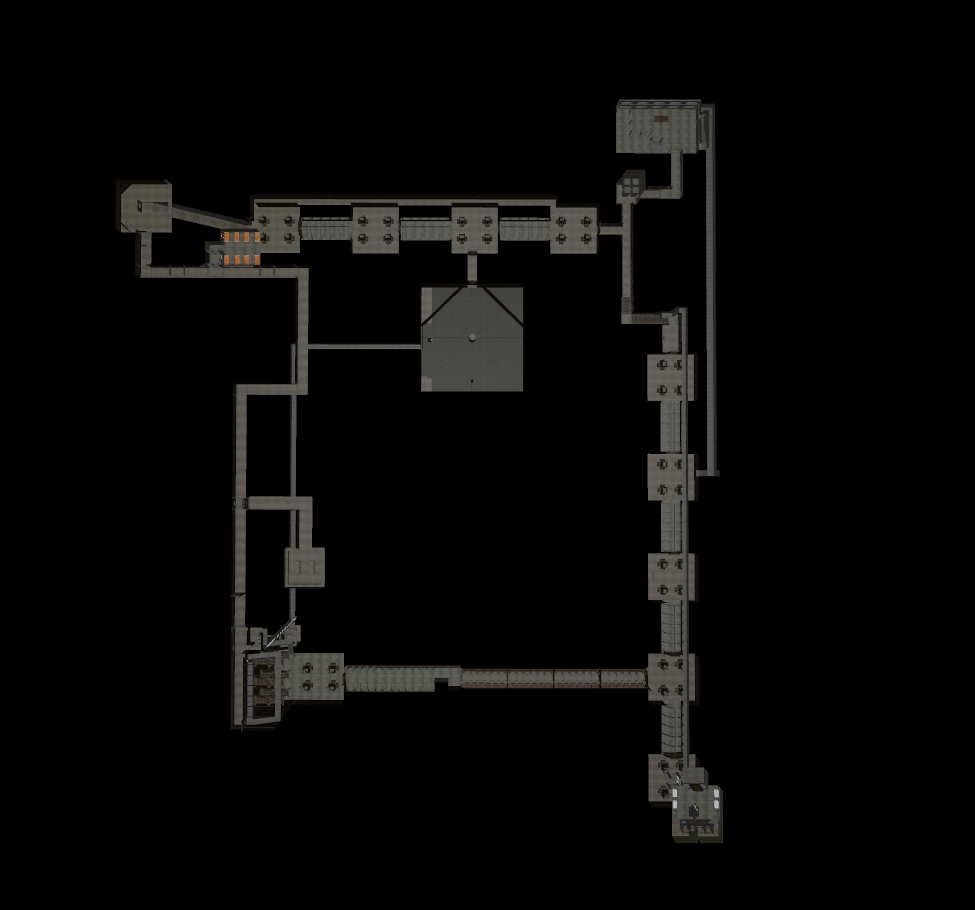
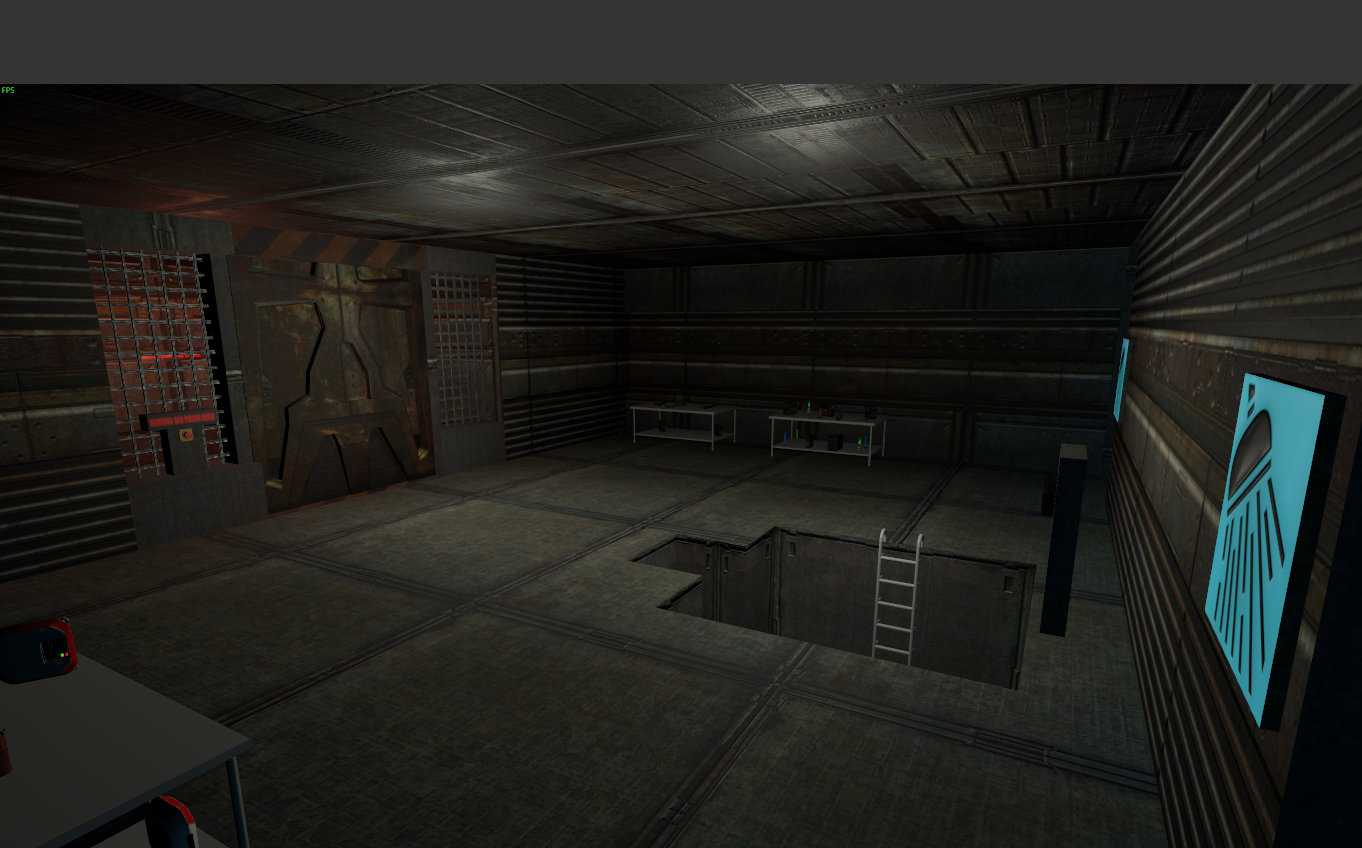
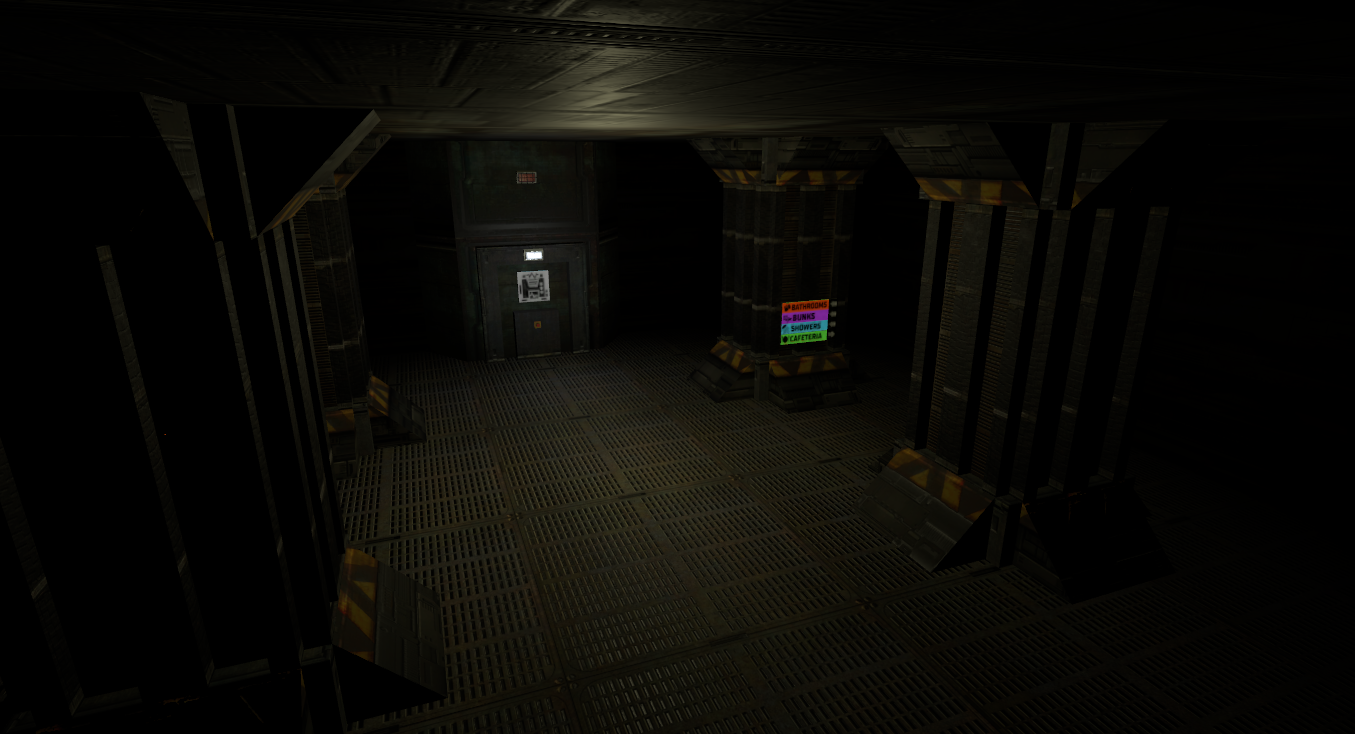
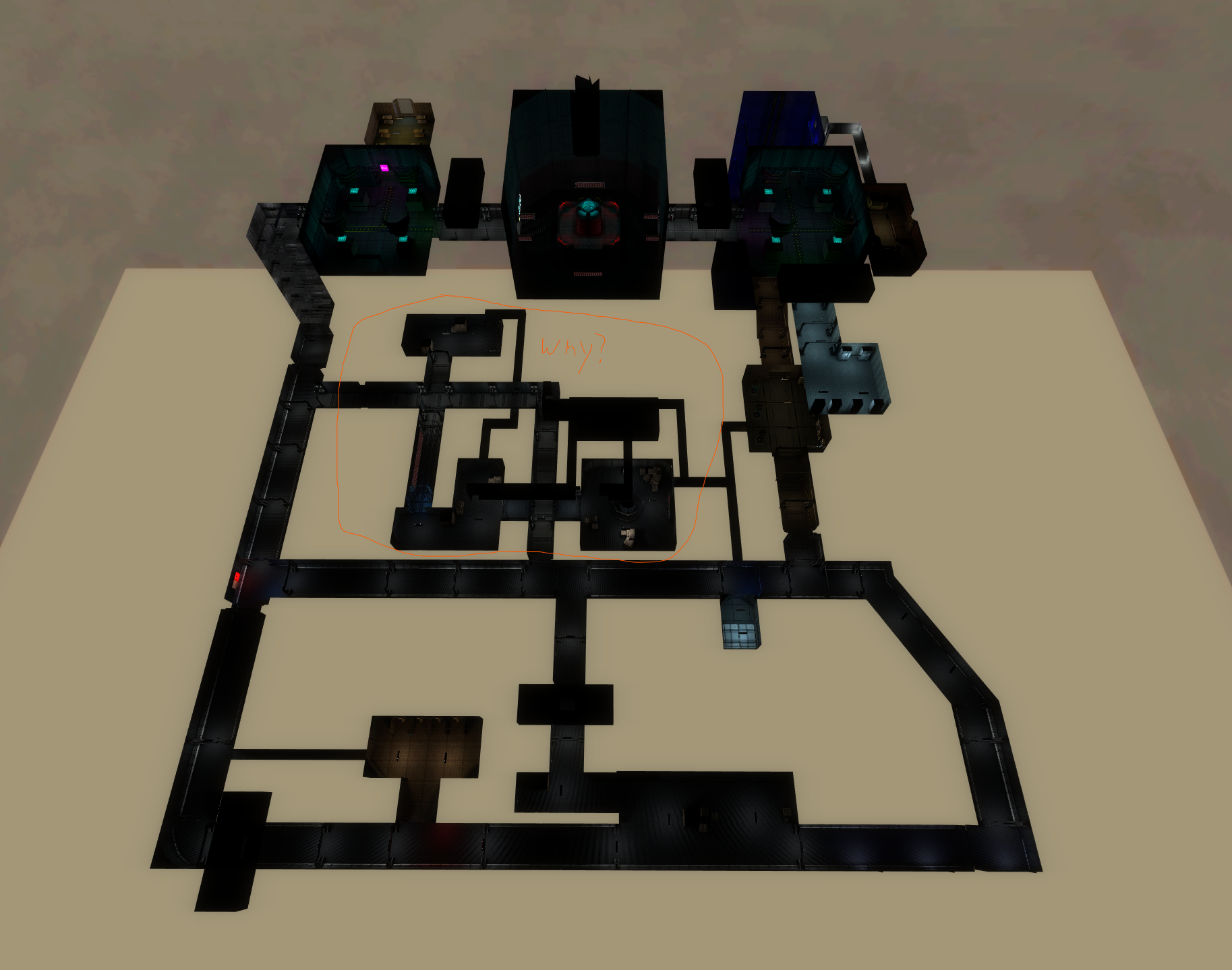
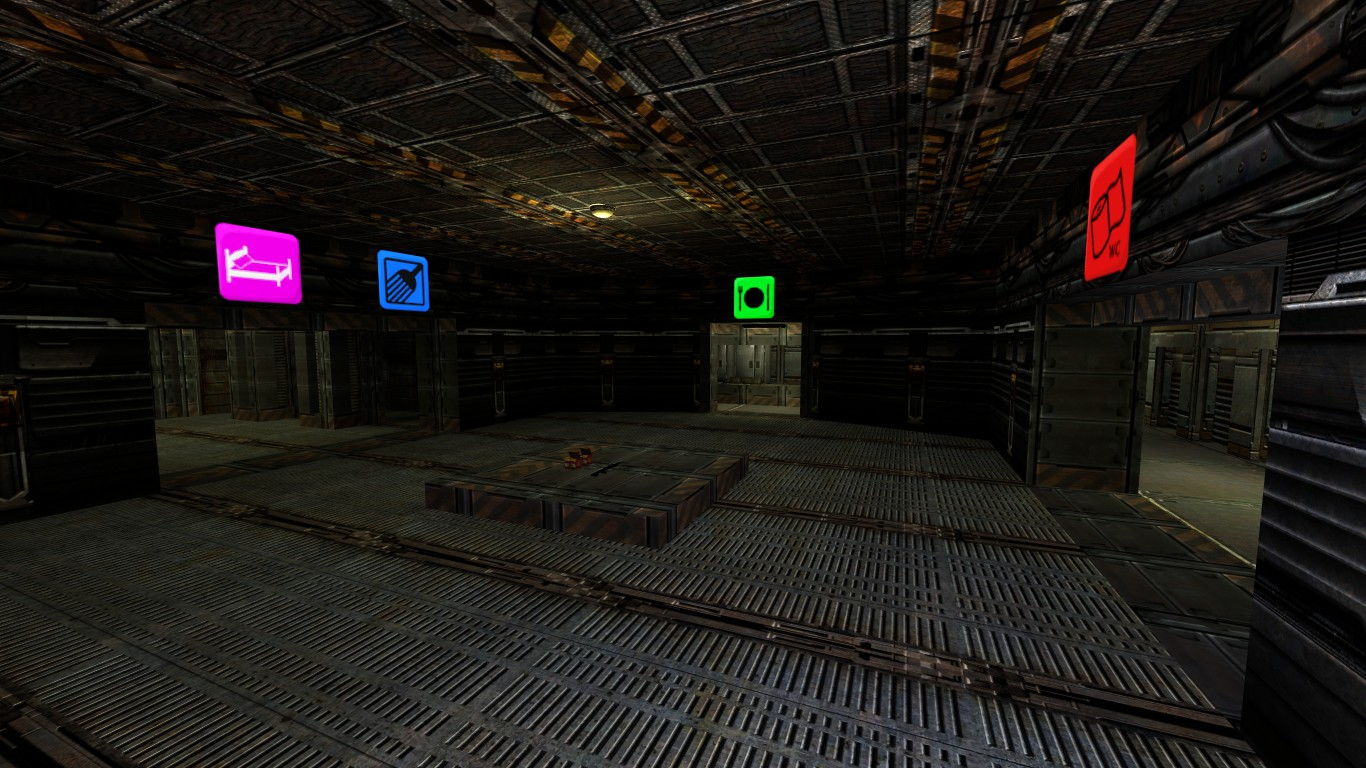
    These videos were taken a few days apart so you’ll notice some lighting in the map that gets added. The map is still WIP and i’ll post a more in-depth update on it later. You might recognize it as Chemical Labs from the original Morbus.

  • Item System

    In classic Morbus the only things you could pick up were weapons and ammo. Utility items like Medkits, glowsticks, grenades, etc, were essentially just weapons as well. This was simple and it was how things typically worked in Garry’s Mod at the time.

    In this iteration of Morbus I wanted more flexibility; what if not every item is a weapon? Therefore I’ve created an Item System.

    Items

    This system is based off of what i’ve learned from working on my preivous game Shoothouse. It worked pretty well and so I’m using a similiar system for Morbus. Let’s dive into how it works:

    There are four major parts of this item system;

    Item Definition

    This describes what an item is, you can think of it as the template or archetype of any given item. It contains things like:

    • The unique identifier for this type of item
      • I use strings, and call it a “classname” ie “Item Class Name”
    • The user-friendlyname of the item ie “Display Name”
    • The Icon that represents this item
    • The 3D model that represents this item

    Since all of these attributes would be the same across all types of items, they’re stored inside of the item definition.

    I also have derived ItemDefinition types, for instance I have an FirearmItemDefinition which describes things like a firearm’s damage, RPM, etc.

    There’s a Items.Definitions.cs file in my codebase where I define all the items in code, via a helper builder class I made, it looks like this:

    This way I can do Items.GetDefinitionOf(“someitemclass”) anywhere and it will give me the definition of this item.

    I include firearm stats in the item definition for two reasons

    • If I ever need to query the stats of a firearm item, they are already inside of the item definition
      • This assumes all firearms of a type have the same stats
    • All firearms that get created via item (more on this later) have their stats copied from the item definition into the firearm itself
      • I can look at all firearm stats in one place (and in code!), making it easier to update and balance them

    Item Instance

    An item instance represents an “instance of an item” and it must reference an Item Definition so we know what type of item this instance is of. It’s kind of like an instance of a class vs the class itself.

    Right now ItemInstance is incredibly lightweight, it only contains an “Item Instance Id” which is stored as a Guid and a “Item Definition” which is a reference to one of our Item Definitions.

    In the future we can either add more attributes to the Item Instance, or we can create derived Item Instance types for specialized types of items.

    For instance if our item was a Medkit Item, we could create a MedKitItemInstance which has an additional property “Charges” which would record how many charges our medkit has before it is empty.

    The Item Instance is also where all of the logic lives for what happens when a player “picks up the item”, “drops the item”, “has the item removed from their inventory.” Most of these are empty or virtual at the ItemInstance level but some cool things happen in some of our derived types.

    The best example right now is in Morbus we have a CarriableItemInstance which is used for any “Carriable Item” (these will refer to a CarriableItemDefintion that is derived from ItemDefinition.)

    A “Carriable” is refers to something that “A player can carry in their hands, ie a weapon, medkit, grenade, etc.” For a player to actually have a carriable in Morbus we have to create a gameobject to represent this carriable, and parent it to the player’s pawn. Then we have another system that manages which carriable is currently in the player’s hands and when to swap.

    Now when a player picks up a carriable item, we need to create that gameobject that is the carriable (for example if it was a gun, the gun itself.) The CarriableItemInstance is where this logic exists of “create and parent the carriable game object when the player picks up the carriable item” as well as the inverse of “the player has lost the carriable item, so we must destroy the carriable game object”

    If you care about code; here’s how it looks

    pawn.GiveCarriable is a helper function which essentially;

    • Creates the carriable game object
    • Parents it to the player’s pawn

    While pawn.RemoveCarriable does the inverse

    Meanwhile our “Carriable Object” also gains a reference via Carriable.ItemInstance back to the CarriableItemInstance that it is representing.

    Represent is the key word here.

    Keep in mind that all of these are abstract concepts, that we are using these things to represent them.

    The Carriable Object represents the Item Instance in the game world.

    World Item (Component)

    While everything else we’ve talked about has just been some class/object, World Item is the first actual component we’ve created.

    World Item solves the problem of “How do we represent an item when a player drops the item from their inventory into the world, or there exists an item somwhere in the world for a player to pick up”

    We are tying the abstract concept of an “Item Instance” to a physical object in the world. This is similar to the Carriable Object we were referring to before, but the major difference is a World Item can be picked up by a player, while a Carriable Object was a physical representation of an item in a player’s possesion.

    Therefore we can imagine that the World Item has some sort of method on it that the Player will call to “pick up the item”

    This is already a code heavy post so how about we look at the code here too;

    This Pickup method (on WorldItem) is called by a player pawn when a player looks at a gameobject that has a WorldItem component, and presses their “Pickup Item” key.

    We can see that we verify that our WorldItem has a valid ItemInstance associated with it, and if it does, it “gives the item” to the player and then destroys the game object.

    Thus the player has the item and the “physical representation” of the item is destroyed.

    playerPawn.GiveItem adds the ItemInstance to the player’s inventory, you can think of their inventory as a list of ItemInstance’s and then calls functions like “OnPlayerPickup” on the ItemInstance.

    If our ItemInstance happens to be a CarriableItemInstance it calls that OnPlayerPickup we saw earlier which results in a “Carriable Game Object” being created and parented to the player’s pawn.

    I’ve said “Carriable Game Object” a little loosey goosey this post. When I say “Carriable Game Object” i mean “A game object which has a Carriable component and whatever else it needs” or “A game object that is represents a carriable thing, whether that thing is a gun, medkit, etc.”

    Item Manager

    The last piece of the puzzle.

    The Item Manager is a singleton component that “manages” all Item Instances in our game. By manages it really just keeps a big list of them and makes sure no funny business is happening.

    Since Morbus is a multiplayer game we need to make sure that all players are aware of all items that exist. Our manager solves this by telling all players whenever an item is created or removed.

    Bonus Component – World Item Placement

    In Morbus we need to seed the map with weapons, and so being able to visually place them would be ideal.

    It would also suck to place a bunch of items, and then later need to change the prefab or the game object that is these items. We’ve also discussed how every WorldItem needs an ItemInstance, but when the scene loads there are no ItemInstances created yet.

    Thus we have a World Item Placement component.

    When the scene is first loaded, this component will

    • Create an ItemInstance based on a given Item Class Name
    • Create a “World Item Game Object”
      • This is a game object with the World Item Component
      • A model renderer to represent the item
      • And everything else it needs (like a collider)

    When choosing the Item Class Name for a placement we can either give it a single value, thus garunteeing it will always be that type of item. Alternatively, we can give it a weighted list of class names, thus allowing us to make the item random.

    Things to Improve

    Right now there’s nothing that makes sure that an ItemInstance doesn’t exist in two places at once. This isn’t required at the moment but as complexity increases it will help prevent bugs. Solving this would be pretty simple, creating a lock on an item that must be unlocked by the user/consumer, or just having some sort of location id tracker to verify that when an item is moving from one place to another the request isn’t outdated.

    Item creation is also P2P right now, so any client could create an item and send it along the network. Cheaters will love this. A simple fix is making Item creation host authoritative and making sure whenever an item is created it happens for a valid reason. We’ll deal with the possibility of cheaters later.

    Overall

    It’s a simple system and I like it. Here’s a demo of it in game;

    In the demo we can see

    • Placing items in the world
    • Helper buttons that will move the item to be resting on a surface
    • Changing the type of item that will be spawned
    • Seeing the randomness
    • And then picking up items

    There’s also a bonus thing that I did with items in Morbus which is making it so a player can hold the world item in their hands without actually putting it in the players inventory.

  • One Full Round

    This is a tiny amount of work in the grand scheme of things, but it’s going to be a memorable moment.

    Anyways, today marks the day of the first complete “round” in this version of Morbus. This is the core gameplay loop;

    • All players are spawned as humans in a “warm up” game state
    • A few (or one) player is chosen to be a brood alien
    • The brood alien player can transform into their brood alien form
    • If a human is killed by an alien in their alien form, they respawn as an alien
    • If a brood alien is killed, or a human is killed by guns, the player respawns as a swarm alien
    • If all brood aliens are killed, humans win and the game ends
    • If all humans are killed, aliens win and the game ends
    • After a short “cooldown” period, we restart

    This has all been implemented.

    Of course there are some bugs, like Brood Aliens can attack Swarm Aliens, and vice versa, but that’s a quality of life improvement 🙂

    I remember when I passed this milestone on the original Morbus in Garry’s Mod. I had spawned bots and used a console command to make them mirror my actions to test things out. (I should maybe build bots like that too.) This was all done in gm_construct back in the day, it’s amazing how far things have come since then.

    What’s Next

    I had to use the citizen model for the swarm alien and the brood alien claws I had made as well. So it would probably be a good idea to sculpt another derpy alien model for swarm aliens, both world and claw view models to serve as a placeholder.

    There’s no UI yet to tell you anything about what’s going on. I like to avoid building UI for as long as possible but it might already be time to have some sort of visual display of HP, Alien/Team status, Round State, and Victory/Defeat messages.

    Further On

    Humans right now spawn with a gun, this isn’t the Morbus way. They need to have only have a melee weapon (or maybe just fists) and find weapons and ammo in the environment. So we’ll need to build a system for

    • Items to be in the environment
    • Ability to pick up items
      • Either into an inventory or a weapon slot bar
    • Ability to drop items

    Ammo also needs to be handle, so we’ll need to decide how we want inventory to work. Do you have weapon slots like in the original Morbus, or do you have inventory slots that you get to decide how to fill?

    Also do we have items which are not weapons? So many decisions and things to think about! To keep things simple for myself I’m thinking I’ll just keep things the same as the original Morbus for now and then iterate upon them later.

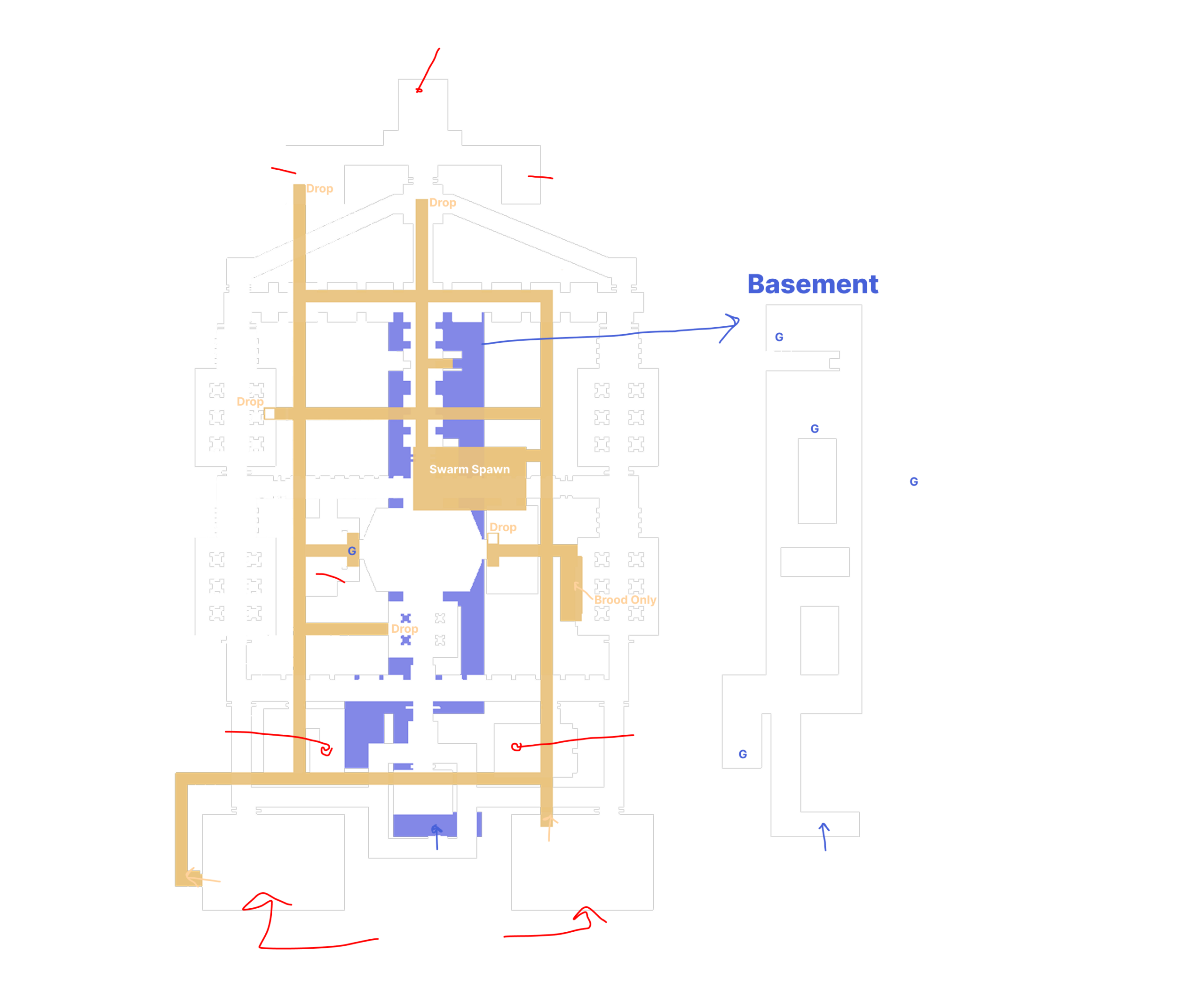
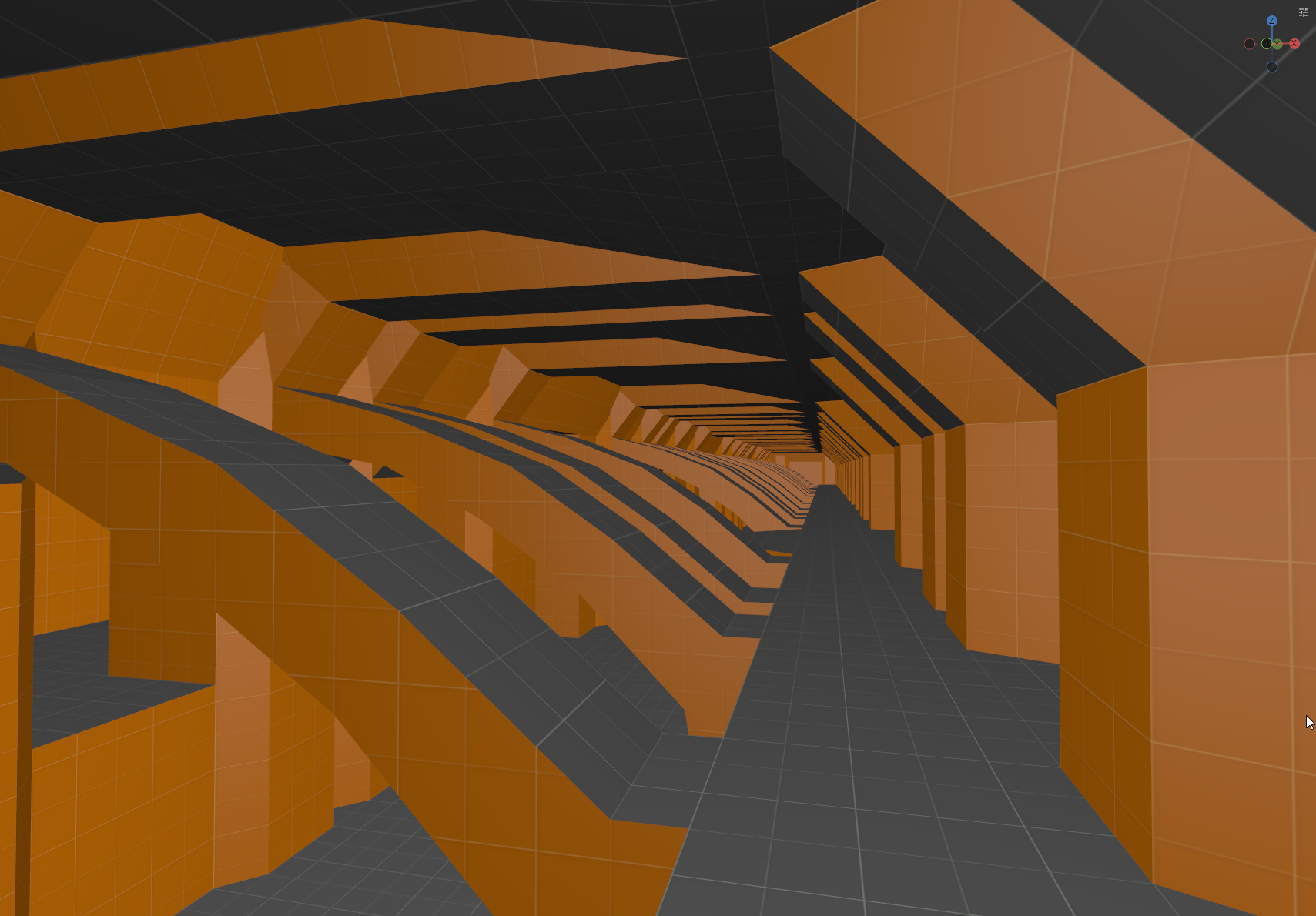
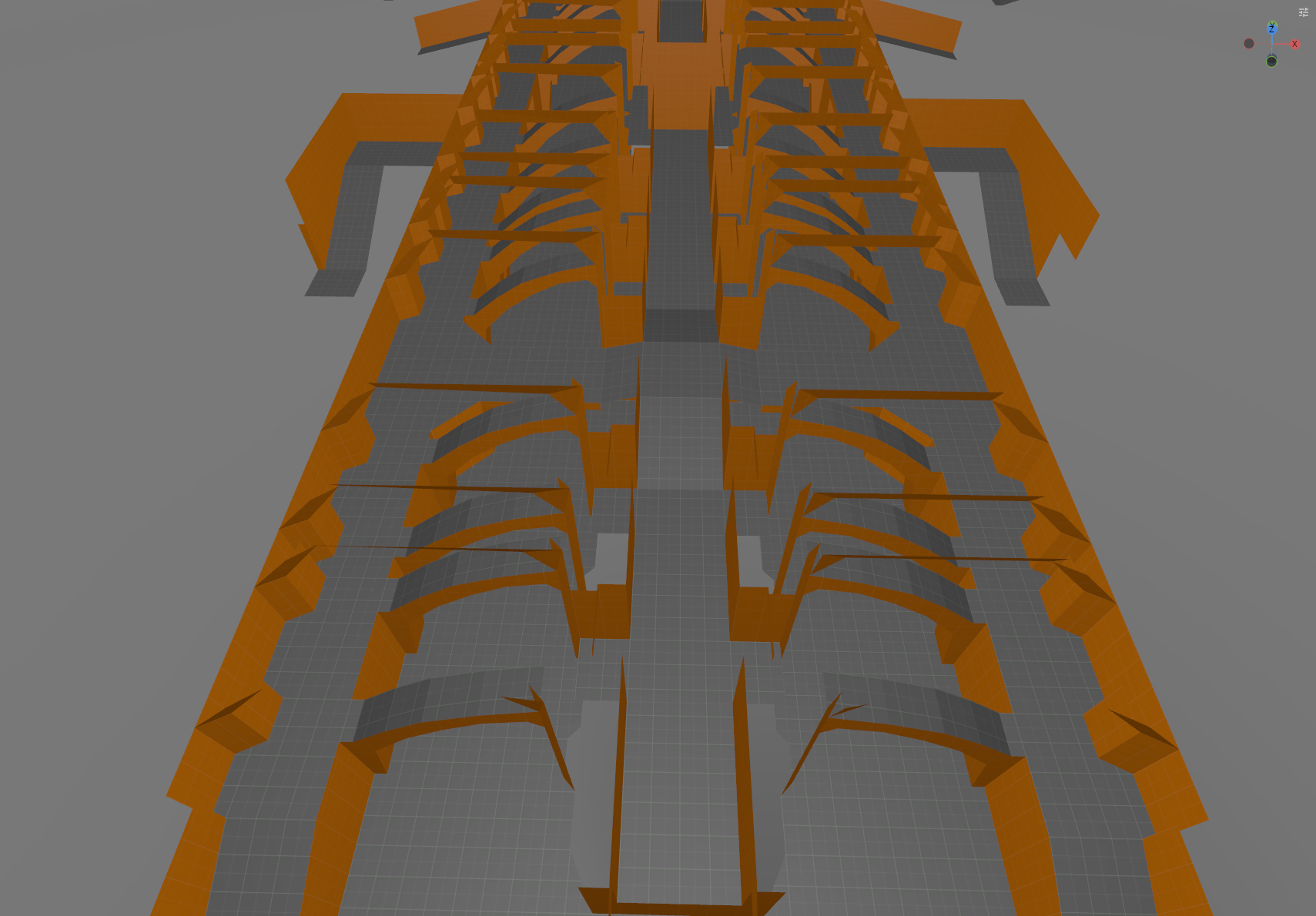
    We also are going to need a map pretty soon. I’m going to look into seeing if I can somehow import the original spaceship map into S&Box and use that as a base.

  • Recoil Patterns and Networked Transformations

    This week has been a good week of progress.

    I want the guns in Morbus to feel good, much better than the original, so I made a system that recoils guns in a deterministic manner.

    I can adjust the horizontal and vertical pattern visually in the editor. They are two separate curves, with the X-axis being time and the Y axis being displacement. For horizontal recoil, y=0.5 means no movement, and for vertical y=0 means no movement.

    I think it would be cool to make the editor experience even better, combine them into a single editor and then view a singular curve. But that would require more work, and I don’t think the pay off would be worth it.

    What this all means in practice is that every time you fire a gun, the bullets are going to roughly land in the same place each time. This way you can better learn guns and their individual recoil patterns.

    There is still randomized spread, which is somewhat deterministic as well, so even if you can move your mouse to cancel out the recoil, the shots won’t always be centered.

    Two full magazines fired into the wall, the pattern is almost identical

    Brood Alien Transformation

    A Brood Alien transforming into their “true” alien form is critical to Morbus (duh) and so it’s of course one of the first things I’ve been working on.

    I’m using a “pawn” system for Morbus, where each “actor” in the game is “pawn” and players (or “clients”) can “possess” a pawn which in simple terms means they are controlling it.

    A Brood Alien player is going to have a human pawn since they need to be able to disguise themselves as a human. When they transform though I didn’t want to make a bunch of modifications to this “human” to make it into a “brood alien.”

    Instead what I do is I spawn a new “Brood Alien” pawn and have the Brood Alien player possess this pawn. The human pawn which the Brood Alien player was previously possessing is disabled (hidden).

    It was a bit tricky to get this working at first. I ran into problems with synchronizing camera positions from the human pawn to the brood alien pawn, and then back. It was a bit of a headache and it made me really think through the networking of pawns and who is responsible for what.

    It also exposed some things core to S&Box and it’s networking which i’m not the biggest fan of. The main thing being is there is no (simple) way of doing server authoritative networking code. Everything is made in a sort of “peer 2 peer” way, and you could have the “host” be a dedicated server, but it’s still expecting to receive transform (position, rotation, etc.) updates from clients. And what’s further annoying is that the host can’t override or force this transform.

    Or perhaps i’m missing something… but I don’t think I am.

    This seems really silly to me, and I know that cheaters are going to exploit this. But i’m going to leave that as a problem to solve another day and just focus on the happy path for now.

    Anyways, I got it all working, and as a part of everything i’ve been building, I immediately test it out in multiplayer.

    What’s Next

    Now that we can transform into alien form, and shoot some bullets at things, it’s time to build a simple game loop.

    We’re going to create the “Round System” to track rounds and when we should end a round and start a new one. This will let us test the core game loop and make sure networking is figured out for that.

  • Melee Combos

    In the original Morbus melee attacks were kinda boring.

    You would just hold down left click and you would keep doing the same attack over and over again.

    I thought it would be cooler if there was variation between attacks, thus I decided to make a “simple” combo system for melee attacks.

    How it works

    A “Melee Weapon” is a prefab in the game engine.

    The prefab has a component called “Melee Weapon” on it which defines the view model and some basic stuff about a weapon.

    It also has three properties “Primary” “Secondary” “Special” attack. These are opener attacks, and the user hits the primary, secondary, or special attack hotkey then the opener is triggered.

    Each of these attack properties must point to a “Melee Attack” component which contains data about what animation to play, the attack duration, hit windows, etc. These components also have a set of three “combo” properties for primary/secondary/special attacks.

    If a player is not doing any attack, then hits the “primary” attack button we trigger the primary attack opener. If then they shortly hit the “primary” attack button again, instead of doing another opener, we see if there is a “primary” combo, if so then we do that combo.

    Here’s how it looks in the editor right now:

    What’s something I don’t really like about how this looks in editor is each attack component just says “Melee Attack” so it could get really easy to mix attacks up. I might try to find a solution to this.

    How it’s looking in game

    I’ve been only working on this for a day so you can’t judge me too hard on the graphical fidelity. I sculpted, textured, and animated the arms myself. These are placeholders for now, but I wanted something that could be used in testing.

  • To make a brood or not

    One of the first things i’m working on with Morbus is implementing the player pawn / controller system.

    What components represent a controllable actor in the scene, how do we handle logic to control this pawn, etc.

    A great test to see if the system works would be to build the human -> brood sequence. In my mind a player who is a brood alien would be interacting with two separate pawns, a human pawn, and a brood alien pawn. When they transform from human to brood their human pawn will be replaced with a brood alien pawn.

    Then when they transform back the pawns are swapped again.

    Where the human/brood alien pawn goes when they are transformed, not sure yet, but that’s the thought process so far.

    Brood Alien Model

    I didn’t want to use the human model for the brood alien so I was messing around with Blender and sculpting the human model to try and make it look gross and alien. Thing is i’m really bad at sculpting and I don’t really know what i’m doing.

    I watched a couple videos and I did figure out a few more sculpting techniques though, and then I learned how to texture paint which I used to paint some gross organic textures.

    I discovered morph targets and thought it could be interesting to explore having the skin pulse and writhe.

    In the end I created this model, it’s temporary and i’m not going to mess around with it further. It’s good enough for the moment. I’ve already reached out to the person who did the monsters in Shoothouse to work on a more permanent Brood Alien model.